Design your Wedding
Bring Your Style to Life
The ItsaYes Design Studio helps you turn inspiration into a clear aesthetic. Create boards, mix your own images with AI-generated visuals and shape a direction that everyone can follow.
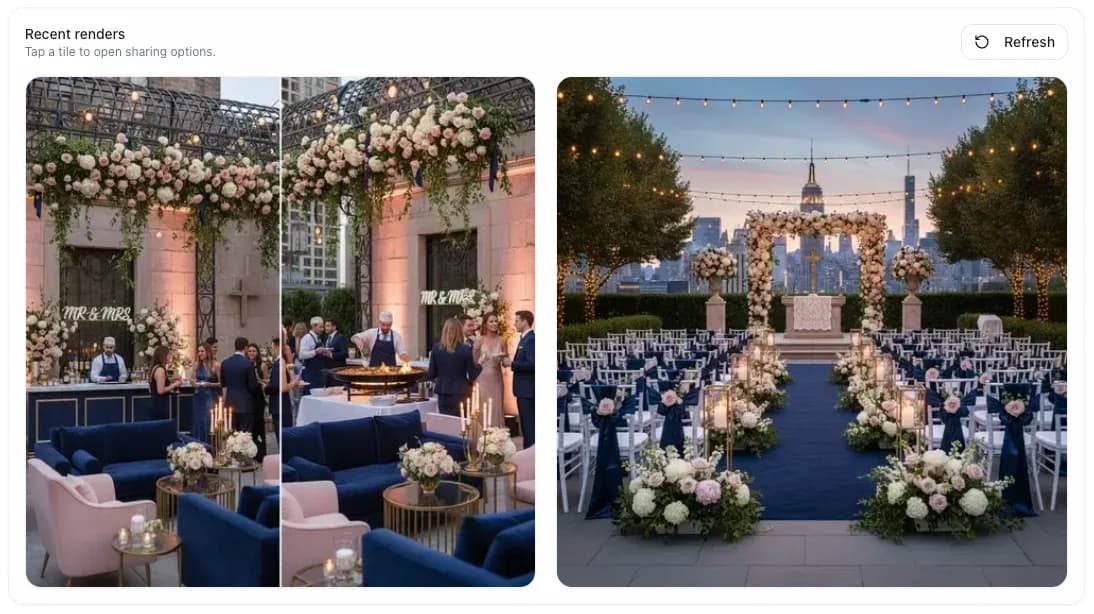
A visual studio made for modern weddings
Build beautiful moodboards effortlessly, lock in your palette and share your vision with vendors. Everything stays editable and connected to your planning.
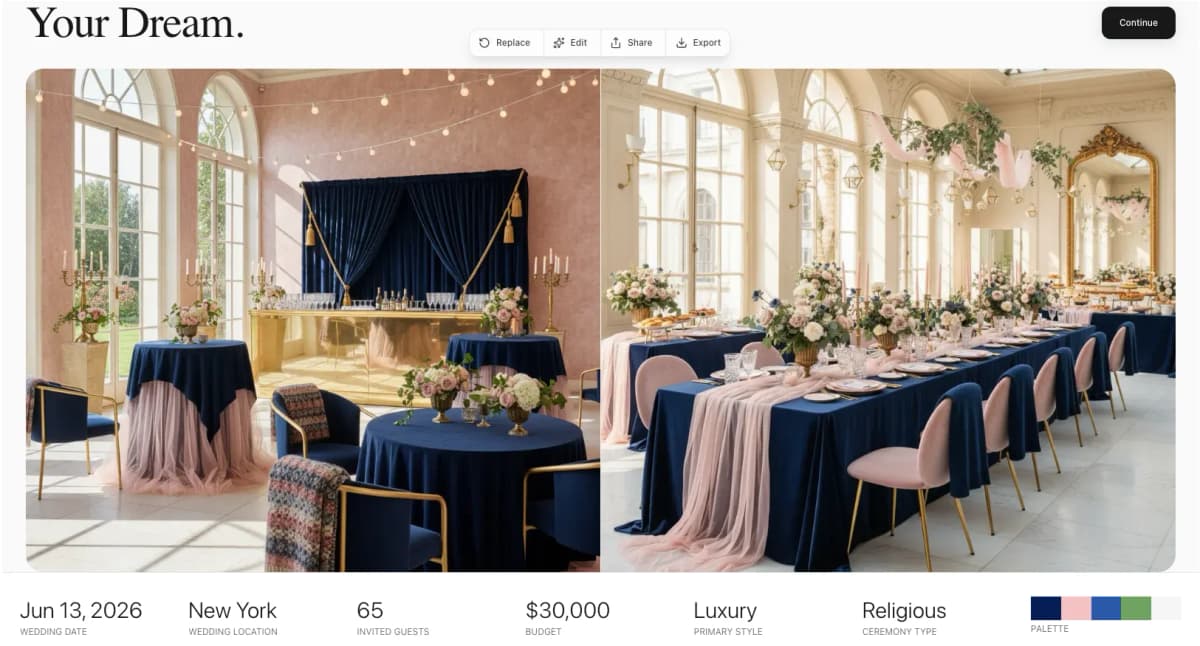
Build beautiful moodboards effortlessly
Create moodboards with your favorite images or generate new ideas with AI. Explore styles, colors and ambiances. Organize everything into sections such as ceremony, reception, decor or outfits so your vision stays structured. Connect with our vendor manager to share your boards directly.
Lock in your palette and style
Once your board feels right, create a clean summary and final palette. You confirm the version you want to share, ensuring everyone works from the same reference.
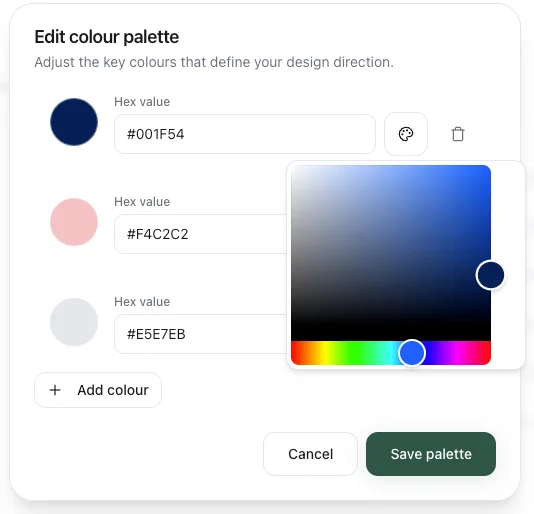
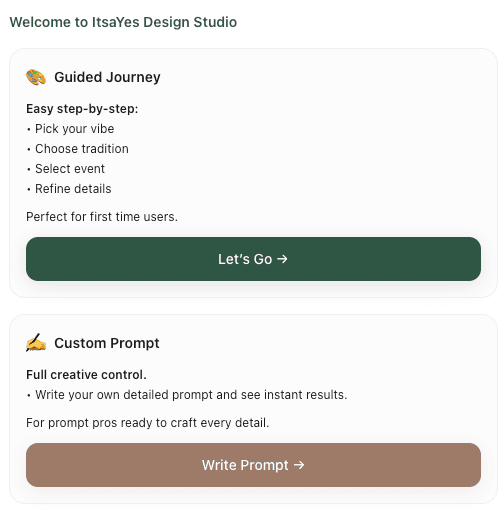
Create your vision with guided steps or AI prompts
Choose your workflow: follow a structured guide to build boards for each wedding moment, or use AI prompts to instantly generate moodboards for your ceremony, reception, cocktail hour and every key event. Integrate seamlessly with your wedding planning timeline and budget tracker.
Frequently Asked Questions
How does the AI moodboard generation work?
Our AI analyzes your wedding details and style preferences to generate custom visual suggestions. You can describe your dream aesthetic, and the AI will create moodboard images matching your vision. Simply refine, save, and share with your vendors.
Can I upload my own images to moodboards?
Absolutely! Mix AI-generated visuals with your own inspiration images. Upload photos from Pinterest, Instagram, or anywhere else. The design studio lets you combine both for a truly personalized aesthetic.
Is the design studio included in all plans?
Yes! The design studio is available on all ItsaYes plans. You can create unlimited moodboards, though AI-generated images may consume credits depending on your plan tier.
Can I share my moodboard with vendors?
Yes. Once you finalize a board, you can share it as a clean style guide. Your vendors see the images, color palette and any notes you added, so everyone works from the same reference.
How many moodboards can I create?
There is no limit on the number of moodboards. Create separate boards for your ceremony, reception, cocktail hour, outfits or any other element. AI-generated images use credits based on your plan.
A shared vision everyone can follow
You give your vendors a clear creative direction. No confusion, no misinterpretation. Just a unified style for your entire wedding.
Build your wedding moodboard freeExplore More Features
Discover other tools to plan your perfect wedding