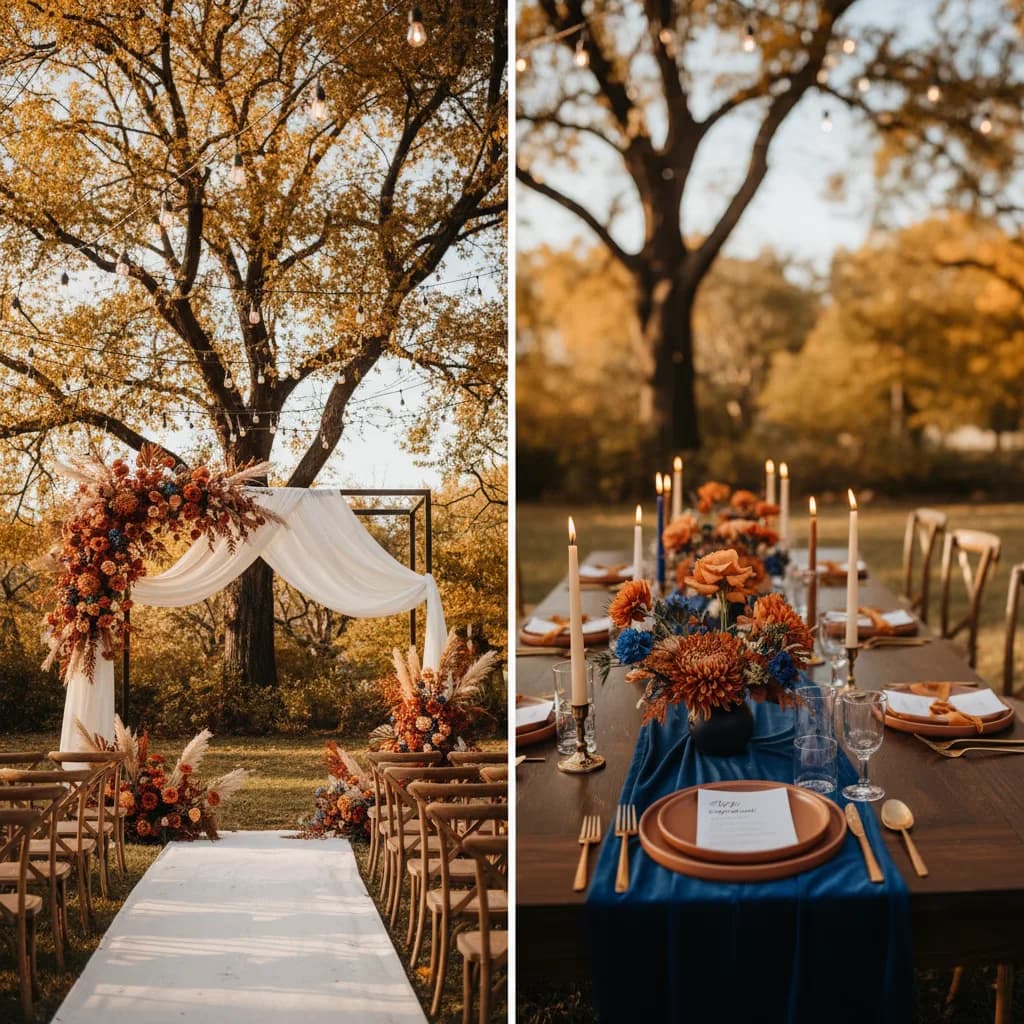
Get InspiredJan 2, 2026
The ItsaYes Team
Editorial Team
See your wedding vision come to life. Pick a style, select the images that speak to you, and let AI compose your personal moodboard.
Pick up to 3 photos — we'll find your style
0/3 selected
Select at least one image to continue
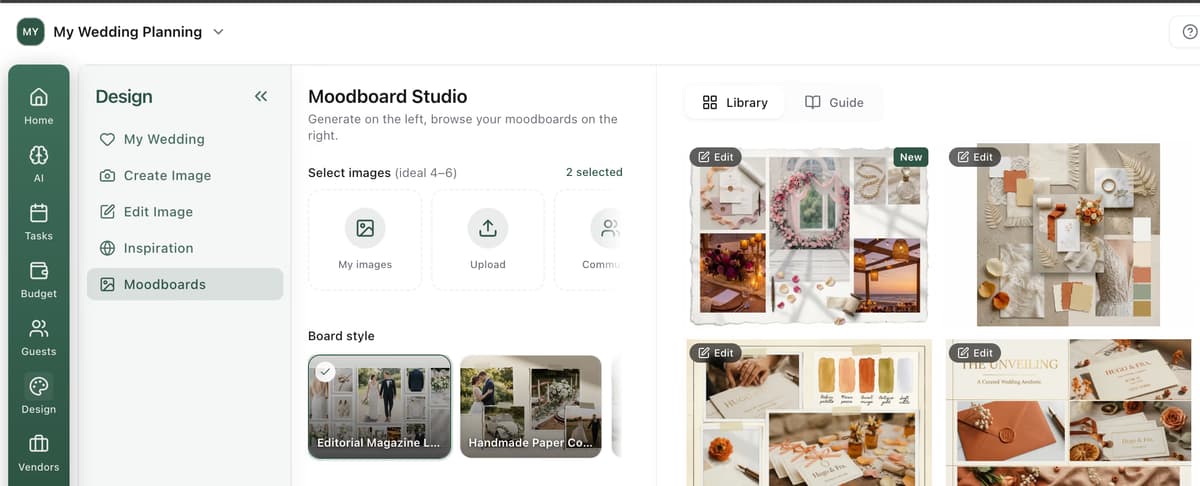
From inspiration to your personal moodboard
Browse beautiful moodboard styles and choose the one that feels like your wedding.
We pre-select images for you — swap any to match your taste, or keep them as-is.
AI composes your personal moodboard in seconds — ready to share with your vendors.
A complete starting point for your wedding visual direction
Generate a board that follows one clear style preset from end to end.
Build from approved public images to kickstart your own moodboard faster.
Export and share high-quality visuals to align your vendors on the same vision.
Generate quickly, compare versions, and keep refining inside Moodboard Studio.
Yes. You can explore styles and prepare your moodboard direction for free.
You can browse the public page without an account. An account is required to generate and save moodboards in the studio.
Select 4 to 6 reference images for the best composition quality.
Yes. You can pick the exact moodboard style preset before launching generation.
The public picker uses approved community images from the public bucket.
Yes. Once generated, you can continue refining it in Moodboard Studio.
Yes. You can generate high-resolution outputs suitable for sharing with vendors.
Most moodboards are generated in under a minute.
The ItsaYes Team
Editorial Team
The ItsaYes Team
Editorial Team